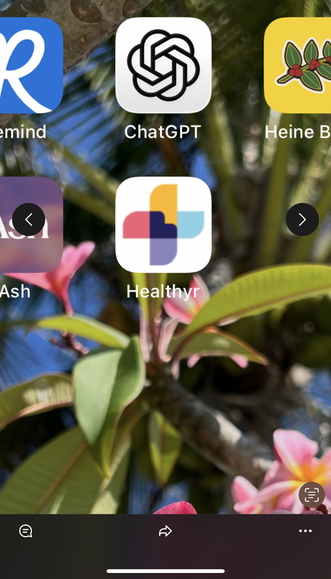
Add Healthyr to Your Home Screen
Get one-tap access to Healthyr. This takes less than 30 seconds and makes opening the app super easy!
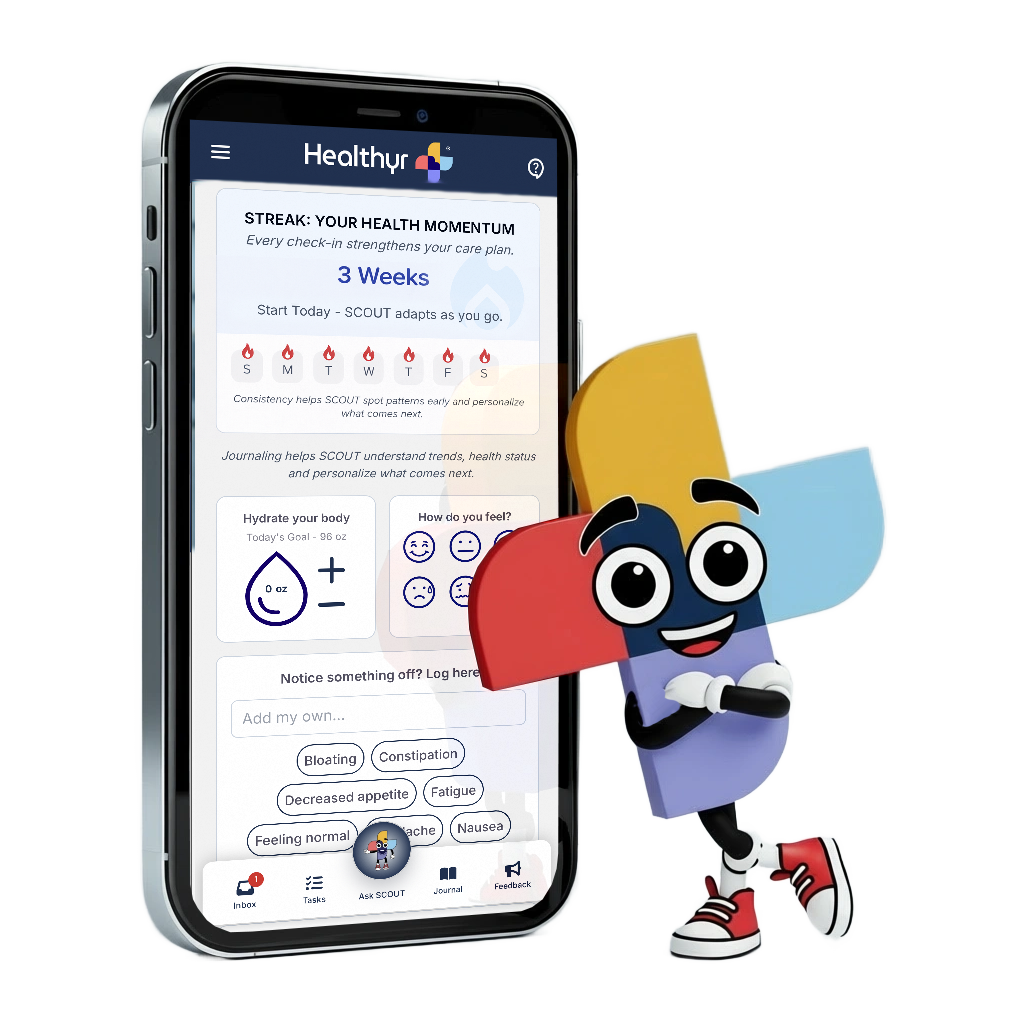
Healthyr will show up on your home screen with its own icon - tap it anytime to open!
Using Safari Browser or  Chrome
Open app.healthyr.com
Find the Share button
Look at the bottom of your screen (or top on iPad). Tap the icon that looks like a box with an arrow pointing up. This is the Share button.
On Chrome

On Safari

Select "Add to Home Screen"
A menu will pop up. On Safari, scroll down through the options until you see "Add to Home Screen" with a + icon. On Chrome, you'll find "Add to Home Screen" by clicking on the circle with the 3 dots at the bottom of your screen.
On Safari

On Chrome

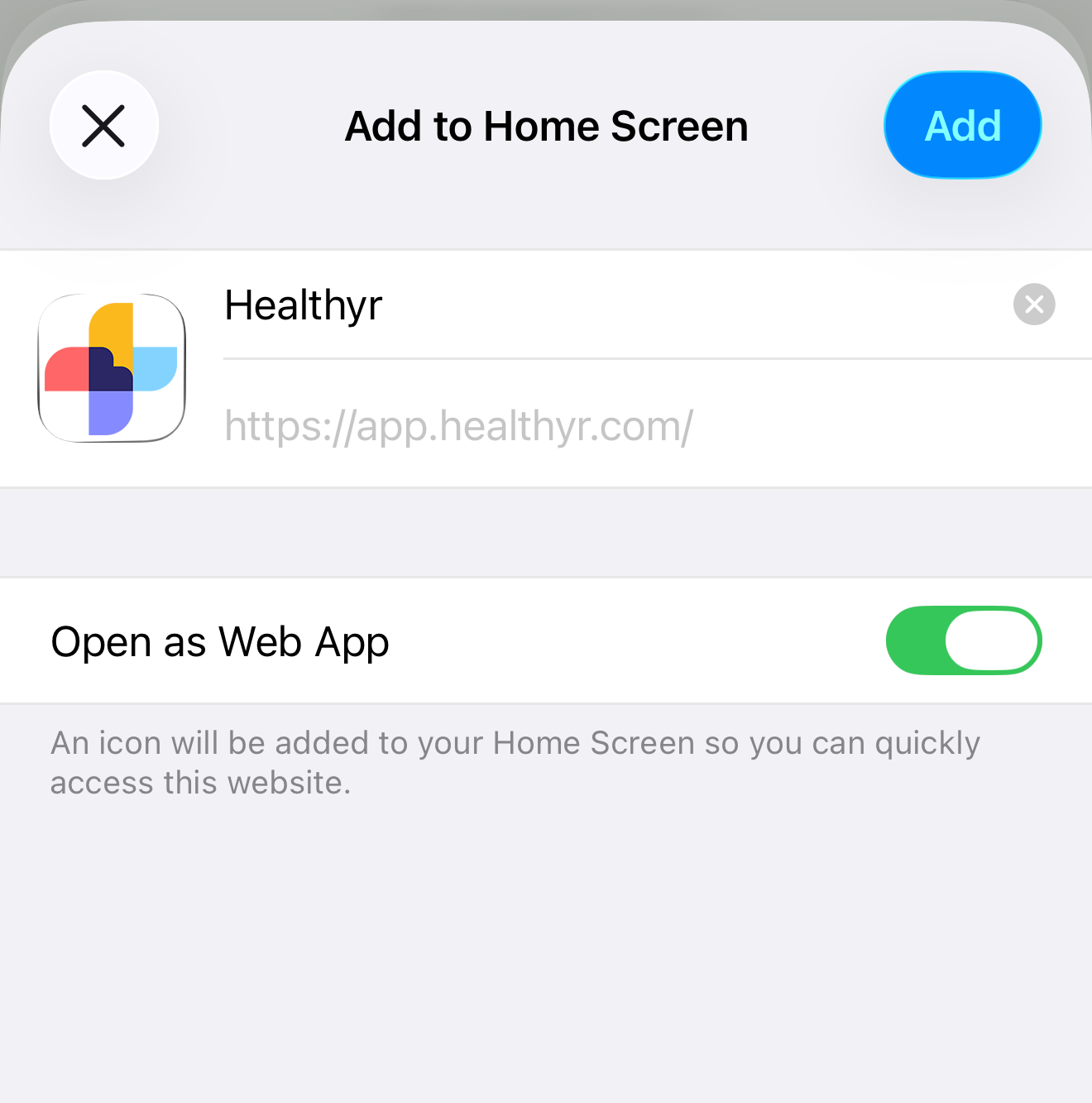
Tap "Add" to finish
You'll see a preview showing "Healthyr" with its icon. Just tap the blue "Add" button in the top right corner. Done! Check your home screen - Healthyr is now there! 🎉
On Android, adding Healthyr to your home screen is super simple. We recommend using Chrome browser for the best experience.
Using Chrome Browser
Open Chrome browser
Open the Chrome app on your Android phone and go to app.healthyr.com. Already here? Great, you're ready for the next step!
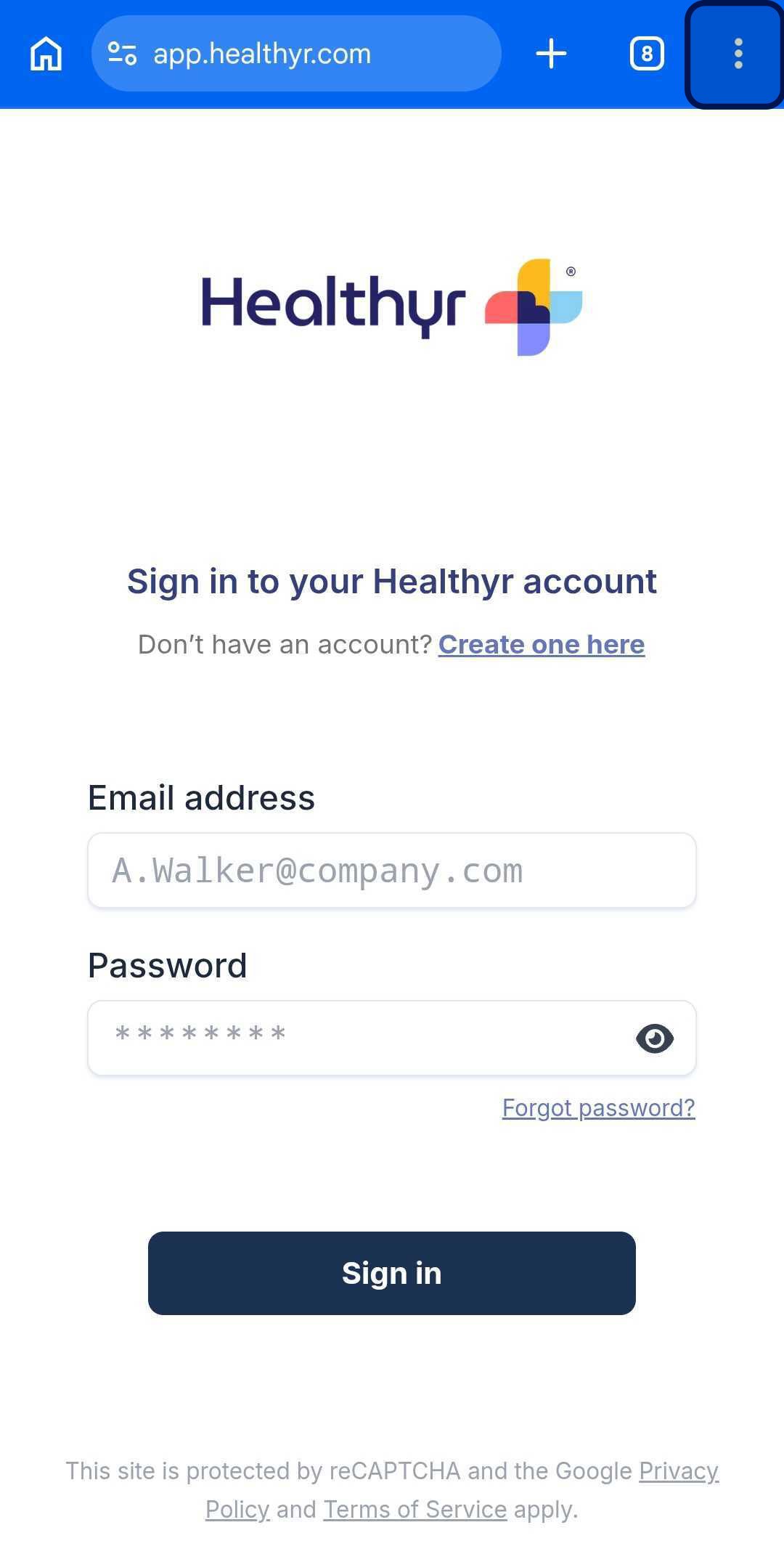
Tap the menu icon
Look for the three vertical dots (⋮) in the top-right corner of Chrome. Tap on it to open the menu.
Android Browser
Android Menu
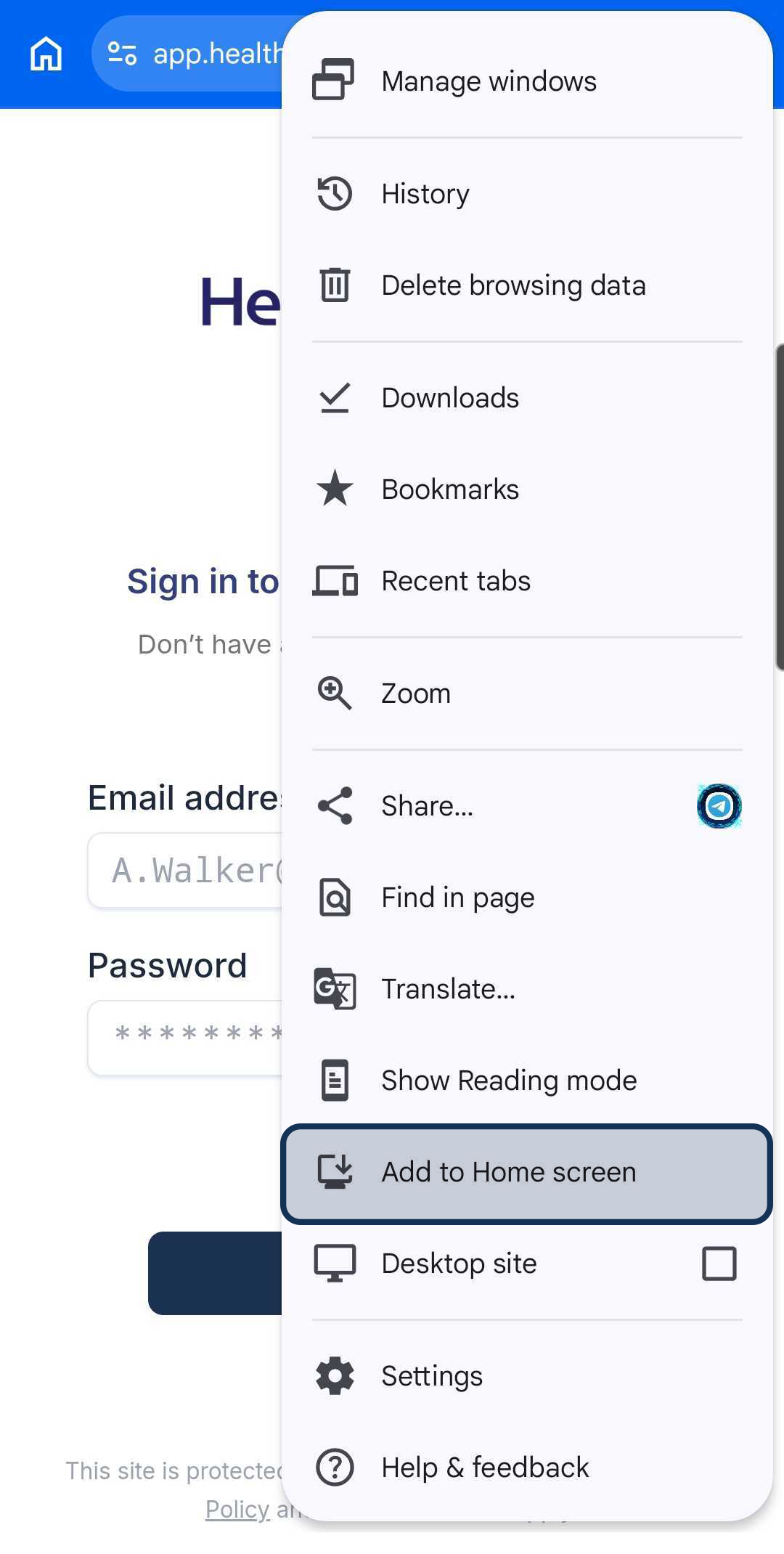
Choose "Install app"
In the menu that opens, look for "Install app". Tap it, then tap "Install" when it asks you to confirm. That's it! The Healthyr icon will now appear on your home screen! 🎉
To Install App

💡 Using Samsung Internet or another browser?
Most Android browsers have a similar option. Look for the menu (usually three dots or lines) and find "Add to Home screen", "Install", or "Add shortcut". The exact wording might be different, but it does the same thing!
You're All Set!
Once you complete these steps, you'll find the Healthyr icon on your home screen. Just tap it whenever you want to access your health information!